Registering Consumers in the Hosted Environment
For infrastructures which use CentOS's hosted subscription and content delivery network, all that is required to register the system is the username and password of the CentOS Network account.
- Launch the CentOS Subscription Manager GUI. For example:
subscription-manager-gui
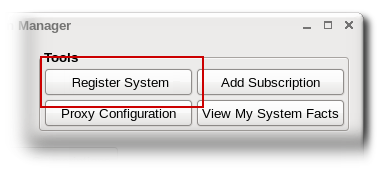
- If the system is not already registered, then there will be a Register button at the top of the window in the Tools area.
- Enter the username and password of the user account on the subscription service; this is the account used to access the Customer Portal.

- Optionally, select the Automatically subscribe... checkbox, so that the system is subscribed to the best matched subscription when it is registered. Otherwise, the system must be subscribed manually, as in "Handling Subscriptions".