Testing the new data source
You can now open Adobe Dreamweaver (or restart it if you already have it open), and open a ColdFusion file or create a new one.
To test your new data source:
- With the pointer in the document, click on the Bindings Plus (+) menu to see all the available data sources. MyDatasource should appear at the bottom of the list:
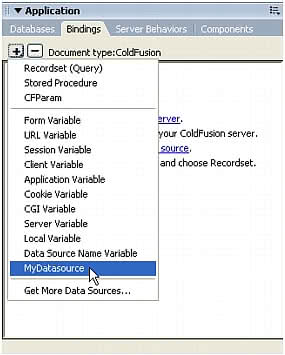
- Click the MyDatasource data source option, and the MyDatasource Variable dialog box you created appears:
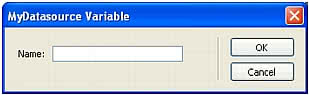
- Enter a value in the dialog box and click OK.
The Bindings panel displays the data source in a tree with the variable from the dialog box under the data source name:
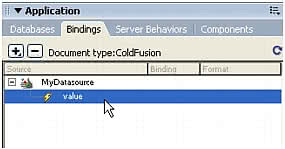
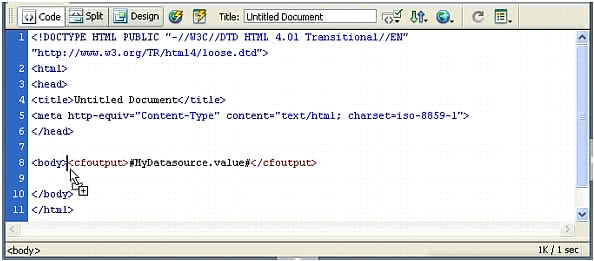
- Drag the variable to your document, and Adobe Dreamweaver will insert the appropriate code from the EDML file: